 DocLite
Manage and view all your documents in one place. Fast, local-first, and designed for ultimate privacy on your Android device.
Instant rendering for even the largest files with auto-resume support.
Full support for Word, Excel, and PowerPoint documents locally.
Your data stays on your device. We don't use cloud sync or trackers.
Automatically keeps track of your recently opened documents.
Bookmark your important files to access them in a single tap.
Quickly find any document across your device storage instantly.
Elegant Light and Dark modes designed for your visual comfort.
Full support for multiple languages for a global experience.
Experience the next generation of document viewing with a modern UI built on Material 3 principles.
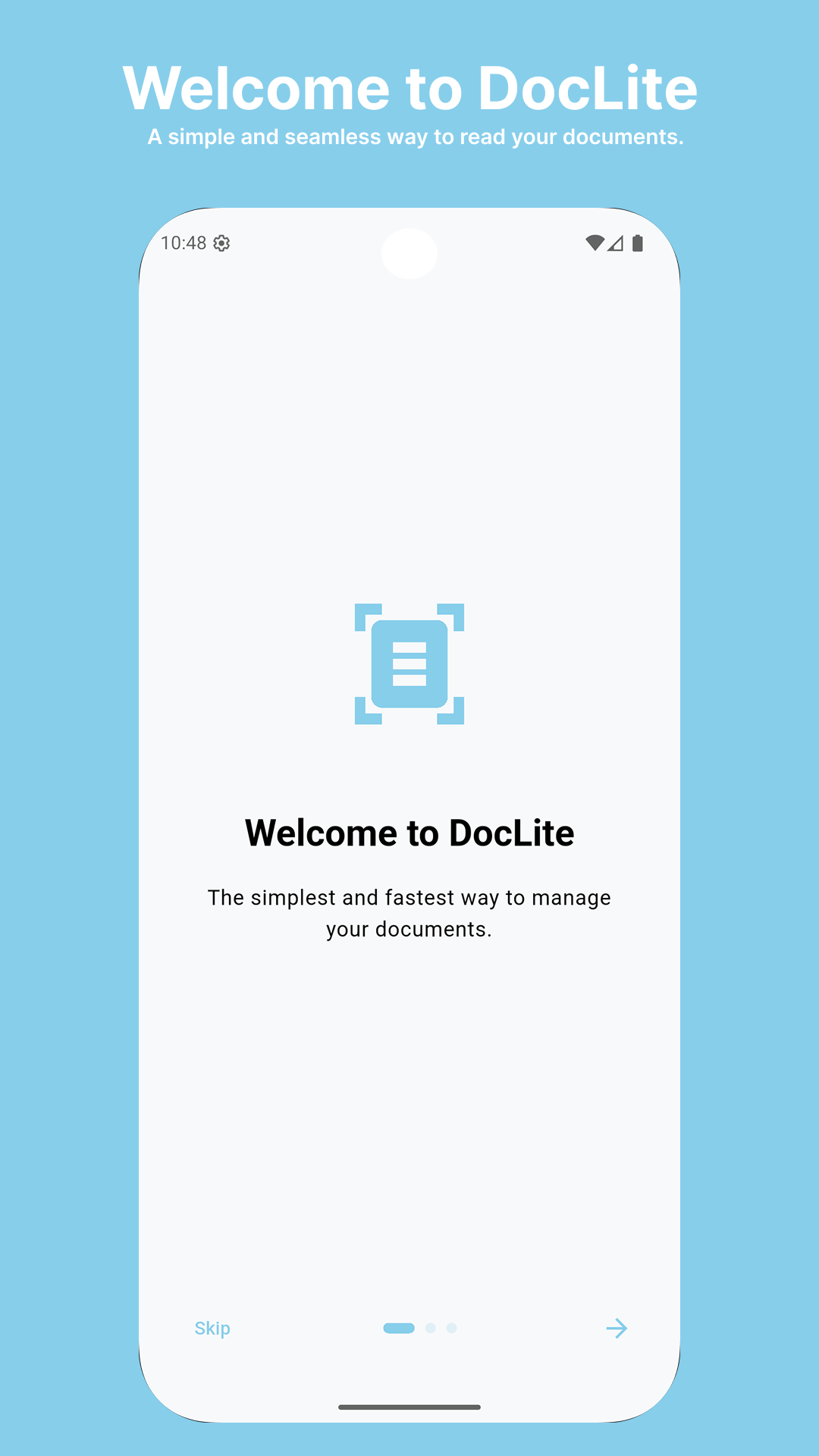
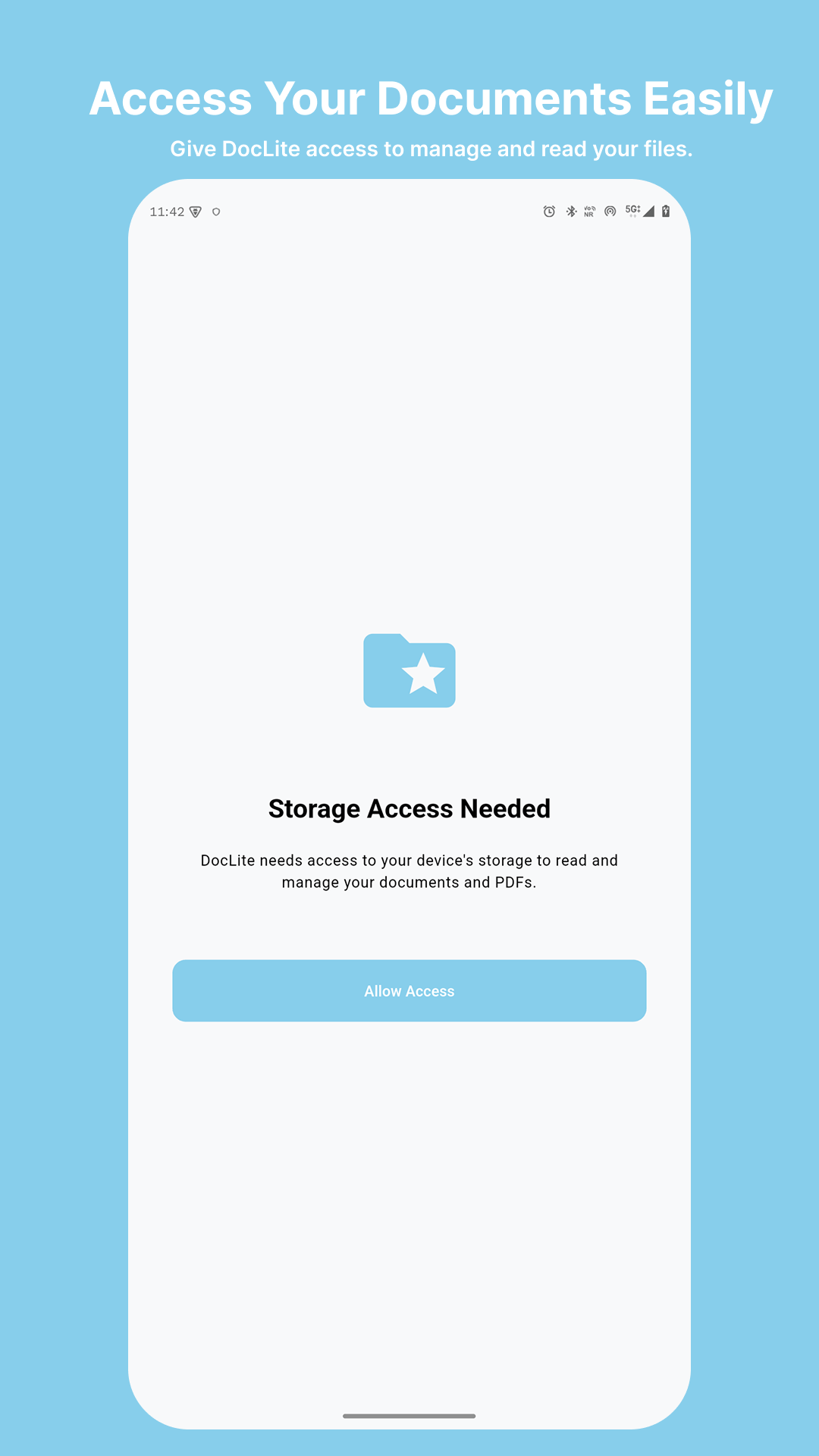
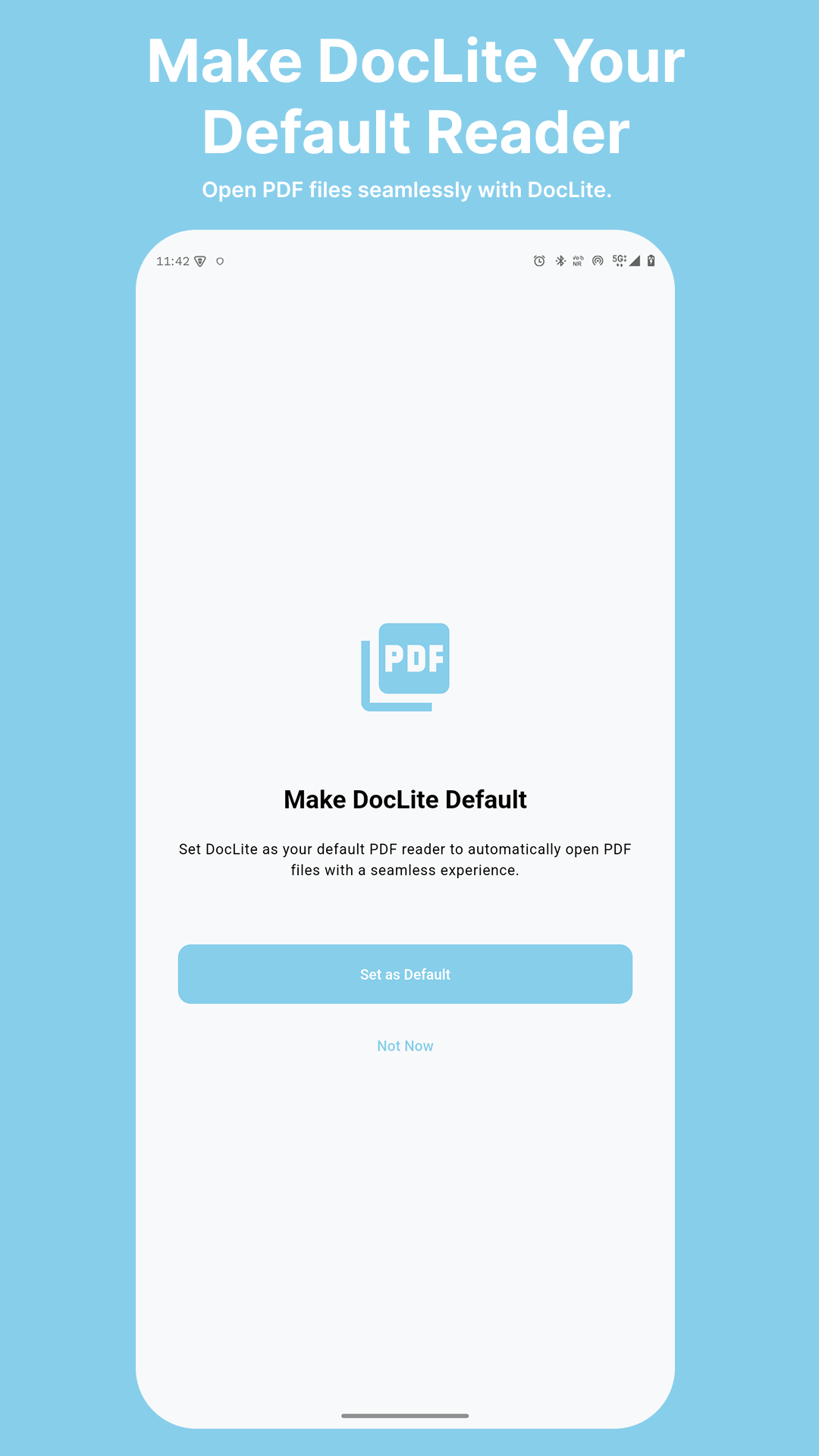
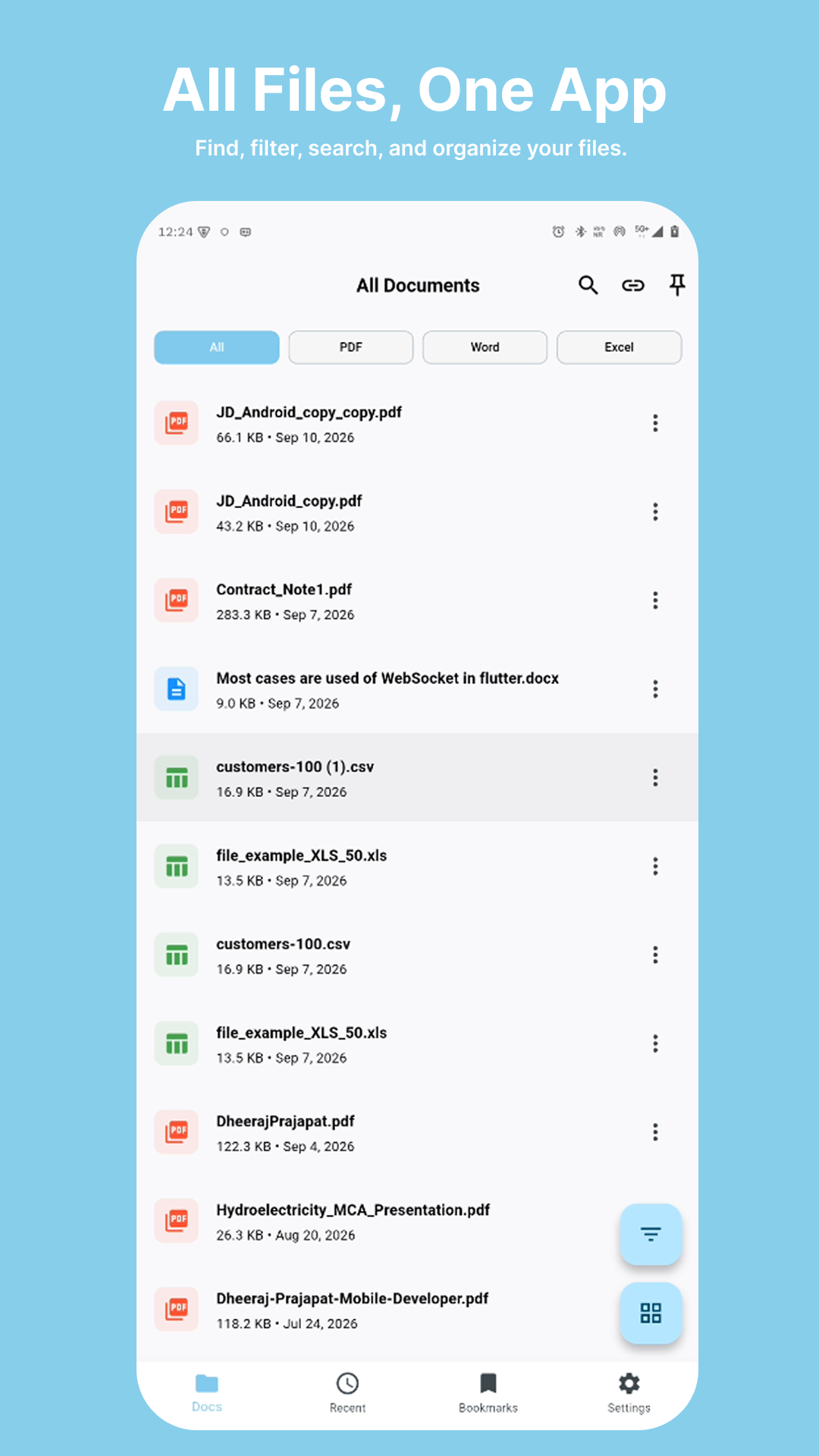
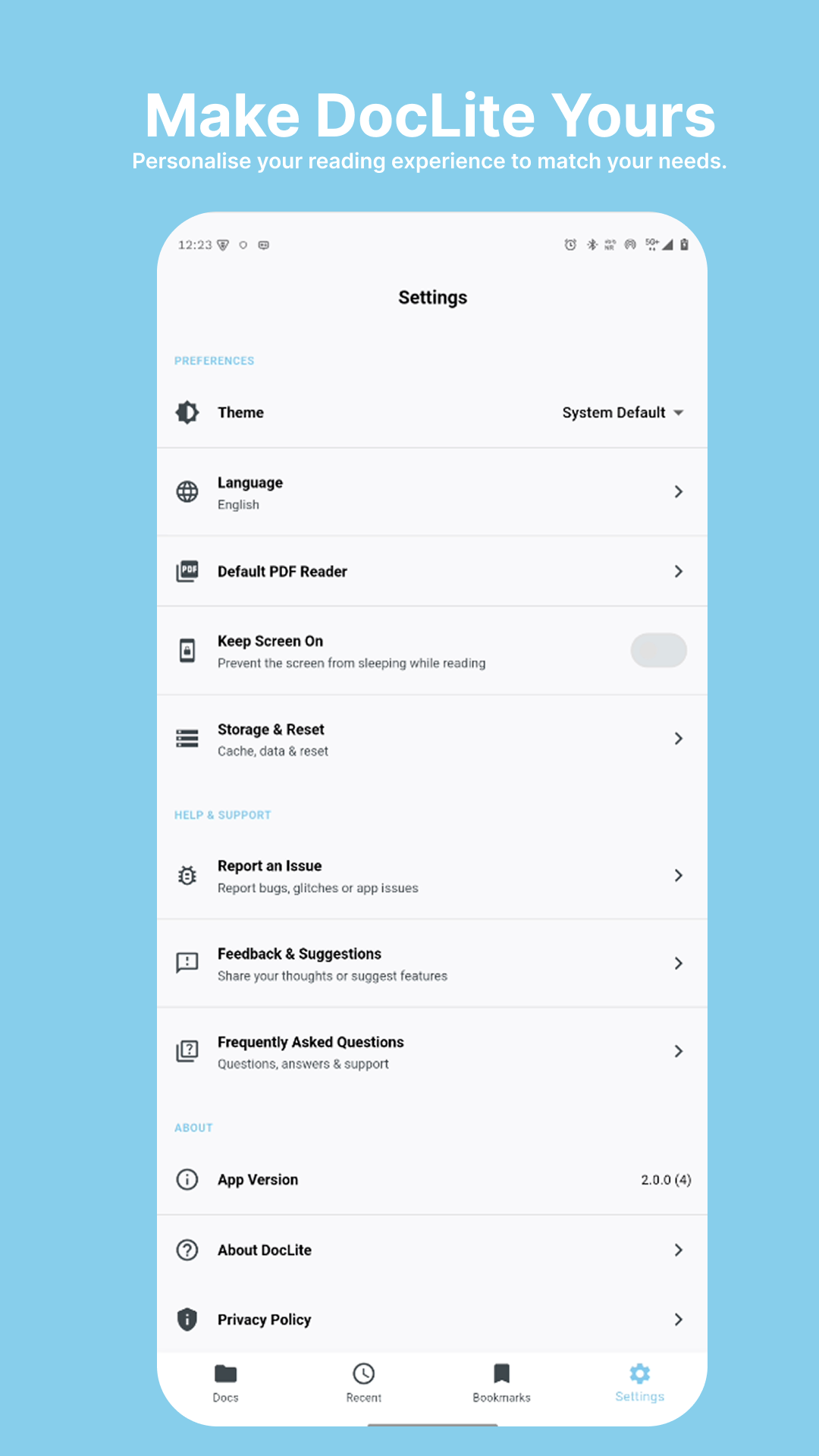
Read on the go, view PDFs, Word, Excel, and PowerPoint files, manage document bookmarks, and search through all your local storage directly from your phone.
DocLite Mobile is available for Android smartphones and tablets.

Bring DocLite to your Mac with instant document viewing, keyboard navigation, full offline support, and seamless system integration for all your PDFs, Word docs, and spreadsheets.
DocLite Desktop supports macOS 10.15 Catalina and newer, with native Apple Silicon (M1/M2/M3/M4) and Intel compatibility.
Have questions about DocLite? We have answers to help you get started.
DocLite is a lightweight, high-performance document viewer designed for fast and smooth viewing of PDFs, Word documents (DOC, DOCX), Excel spreadsheets (XLS, XLSX, CSV), and PowerPoint presentations directly on your mobile device.
DocLite supports PDF (.pdf), Microsoft Word (.doc, .docx), Microsoft Excel (.xls, .xlsx, .csv), and PowerPoint (.ppt, .pptx) files.
DocLite automatically scans your device storage to discover supported files. You can tap any file listed on the 'Docs' screen to open and view it instantly.
Yes, DocLite can download and render documents directly from web links (http/https). When you open a valid document URL, DocLite securely streams or downloads it for viewing.
DocLite can view documents downloaded or exported from Google Drive (such as PDF, DOCX, XLSX). Ensure you export Google Docs/Sheets/Slides to compatible file formats before opening them in DocLite.
While viewing PDF, Word, or Excel files, tap the search icon in the top toolbar to search for specific text, words, or numbers inside the document.
Navigate to the 'Recent' tab on the bottom navigation bar to view all documents you have opened recently in chronological order.
Tap the bookmark ribbon icon on any document card or inside the document reader to save it to your 'Bookmarks' tab for quick access.
Tap the options icon (...) next to any file in your list and select 'File Details' to view file size, path, last modified date, and document format specifications.
Use the Share option in the file options menu or inside the reader toolbar to send the document via email, messaging apps, or cloud storage.
Go to Settings tab. You can toggle between Light, Dark, or System themes under Theme Settings, and select your preferred language under Language Settings.
Under Settings > Storage & Reset, you can view cached file sizes, clear cached documents, or reset local app preferences to free up device space.
Yes. DocLite operates locally on your device. Your files stay stored on your phone and are never uploaded to any external server.
You can reach out to our team by leaving a rating and review in the Settings page via 'Rate Us', or by visiting our support website from the About page.
Yes, DocLite is completely free to use with full access to document reading, scanning, bookmarking, and local storage features.
Go to Settings > Default PDF Reader and follow the instructions to set DocLite as your default application for opening PDF files from your file manager.